

With the launch of the M4 iPad Air model in March 2026, Apple has further blurred the boundaries between tablets and personal computers. “M4” refers to the model’s M4 processor – the same chip found in the 2024 MacBook Pro line. Meanwhile, the new MacBook Neo, Apple’s “entry-level” personal computer, runs on an A16 chip, or the same one as the 2025 iPad models.
This convergence of tablet and laptop performance is reflected by an overlap in users. When it first appeared in 2010, the early iPad’s limited processing power meant it was primarily marketed as a hobbyist's tool – good for casual entertainment, gaming, and drawing, but not intended for serious tasks. Professional contexts still required a MacBook.
A decade on, the new generations of eSIM-enabled iPad models are proving that tablets can be even more capable than laptops: able to match them performance-wise, while boasting the portability and cellular connectivity to be carried around and used to access the internet, anywhere in the world.
While the iPad line has only undergone minor cosmetic changes since its first iteration, the tablet’s capabilities have completely transformed, evinced by continued year-on-year sales increases and adoption by a base that spans from young children to business travellers. Here, we explore the full spectrum of iPad usage and how eSIM technology has upended public perception about what a tablet is capable of.
eSIMs and iPads
Portability is an iPad’s greatest asset – though early models still required an available Wi-Fi network or physical SIM card to access the internet. This changed with the release of Apple’s first eSIM-enabled iPad, the 3rd-generation iPad Pro, in 2018 (previous models had featured cellular connectivity via a physical SIM card). This technology allows users to download a mobile plan from an Apple-approved iPad carrier like BetterRoaming and get online anywhere via mobile data, just like a smartphone.

What is an eSIM?
eSIM technology has now become a fixture of Apple’s tablet line. All current iPad models are available in "Wi-Fi + Cellular" configurations, with built-in cellular connectivity via eSIM. An eSIM, or “embedded SIM” is a tiny chip hardwired into the body of the device. Crucially, a single eSIM chip can download and store multiple software-based SIM profiles. This contrasts with a SIM card device, where SIM profiles must be inserted one at a time via a plastic SIM card. Storing multiple SIMs on the same iPad allows the user to simply switch between profiles, for example, changing between work and personal SIMs on the same device or avoiding international roaming fees by switching to a local SIM profile while travelling, without losing access to their primary SIM.
This functionality has put eSIMs on track to become the world’s most popular SIM format by 2028. Apple is an enthusiastic proponent of eSIMs: The 2017 Apple Watch was the first eSIM-enabled consumer mobile device, while the recent iPhone 17 and iPhone Air are eSIM-only.
iPad use cases
Here are some of ways cellular connectivity and improved processors are creating new markets for the iPad:
1. Remote Work
A 2013 Forrester survey on iPads in the workplace found that iPad usage was mostly concentrated among C-level employees, where they could be used as tools to present and view information: individual work was still best done on a personal computer. The release of the iPad Pro in 2015 began to tip the scales, though even then, as TechRadar noted, it was far from a laptop replacement.
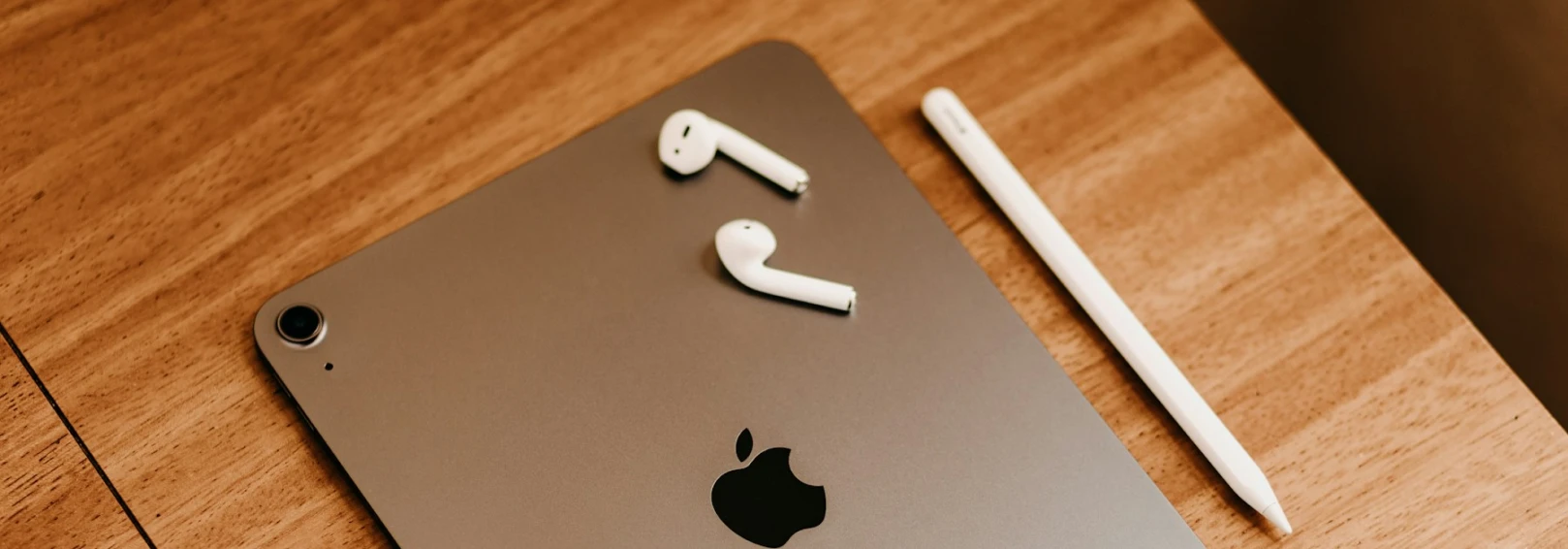
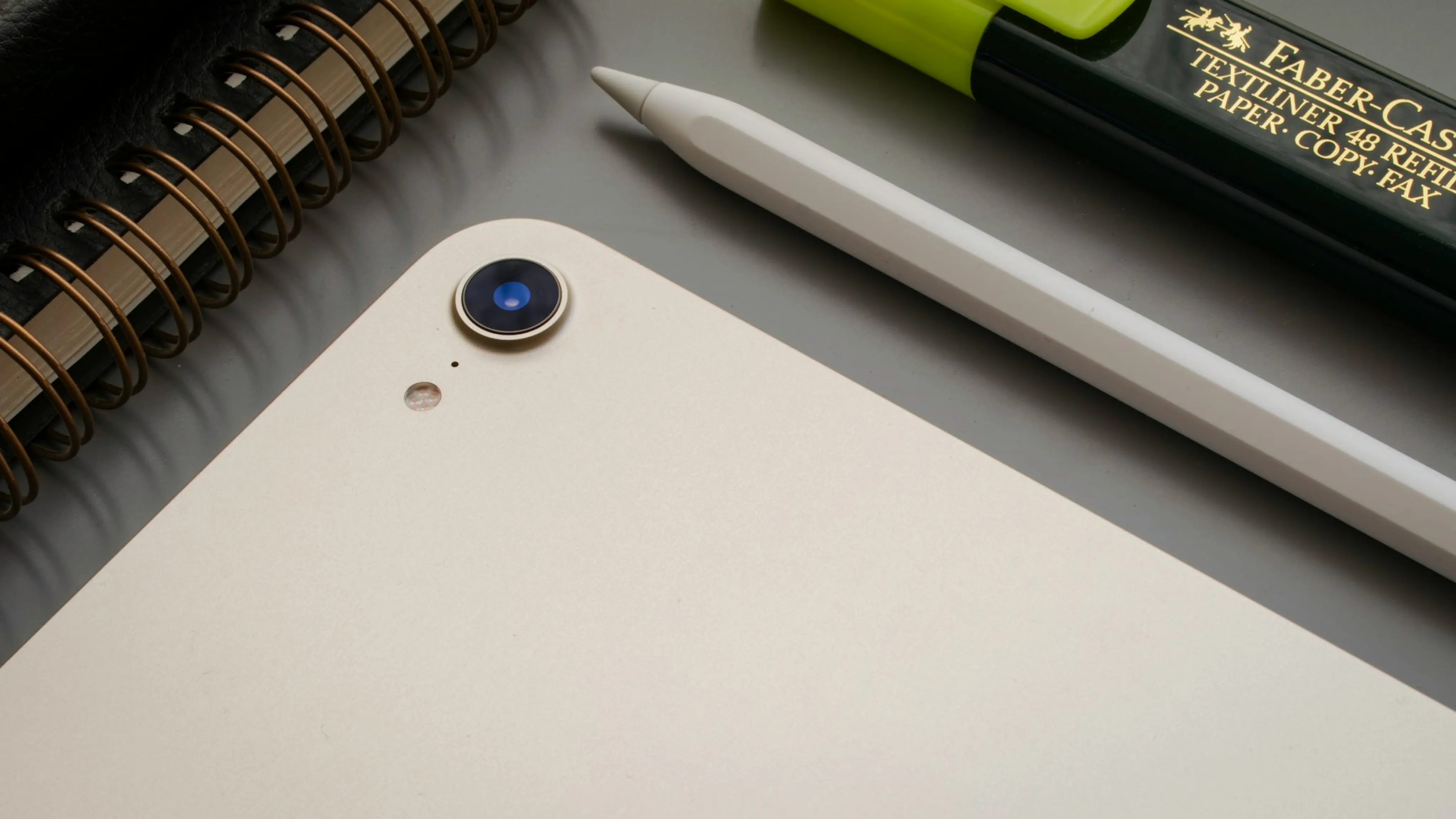
Modern iPads are now powerful enough to serve as primary computers for many professional roles, and far more portable. Apple’s Magic Keyboard attachment, supported by iPad models since, provides a laptop-like UX, while the iPad’s support for the Apple Pencil and Pencil Pro has made it the go-to tool for digital artists and designers.
A top-of-the-line iPad Pro retails for $100 less than a MacBook Air, making it an increasingly popular choice for remote workers, business travellers, and corporate IT departments. This is particularly true for cellular iPads: eSIMs allow companies to remotely activate and manage employee devices, greatly simplifying the role of internal IT and cybersecurity departments.
Cellular iPads also allow companies to offer bring your own device (BYOD) policies. BYOD lets employees use their personal devices for work purposes, while adhering to company and legal data privacy regulations. Businesses can remotely manage employee mobile usage via eSIM and avoid the investment needed for dedicated company mobile devices. Coupling this with an iPad mobile data connection from an approved supplier like BetterRoaming or 1GLOBAL removes the temptation for employees to connect to unsecured public Wi-Fi networks and risk breaching data protection policies. Instead, they are supplied with a constant source of secure mobile data.
| The pros and cons of a corporate BYOD policy | |
|---|---|
Pro | Con |
Reduced outlay on hardware | Employee privacy concerns |
Improved employee satisfaction | Strictly regulated industries (e.g. finance) require stringent mobile recording practices that can be difficult to implement on personal devices. |
No need for IT departments to physically keep track of, recall, and service corporate devices | Can be harder to source a backup device in the event of loss, damage, or theft. |
2. Retail and hospitality
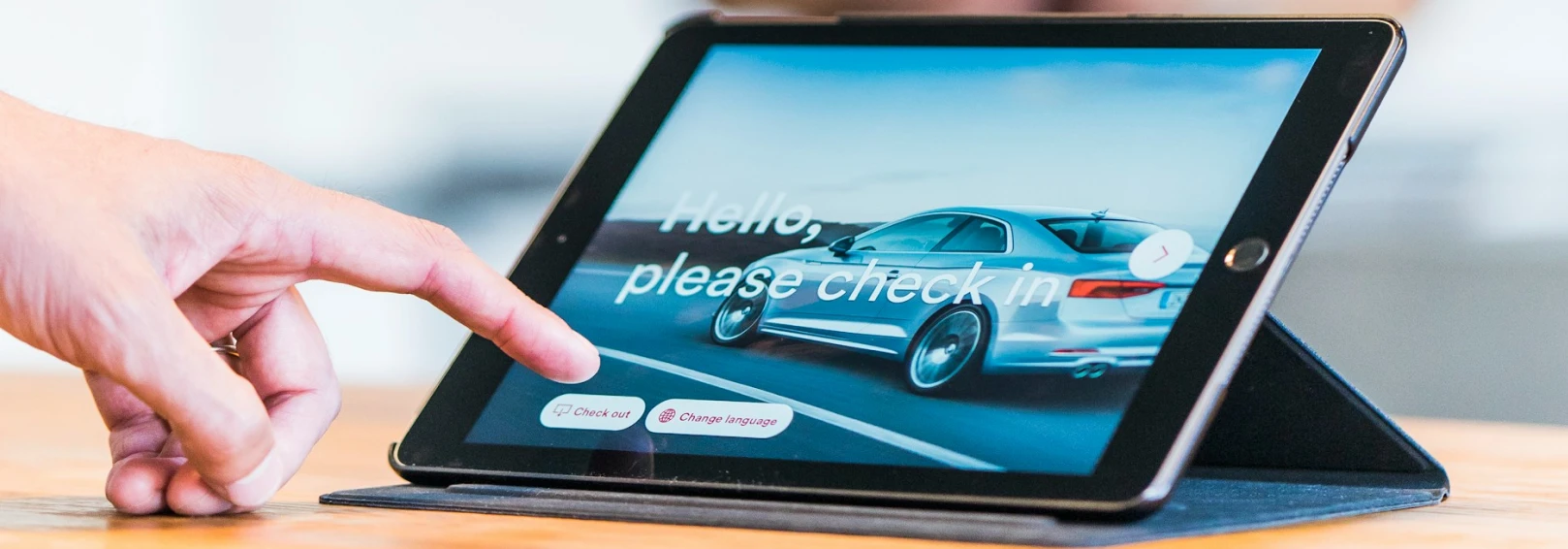
The improved performance and user-friendliness of later iPads has made them commonplace in customer-facing business contexts, supplanting traditional point-of-sale (POS) systems in stores, restaurants, and bars worldwide. An intuitive UI means reduced onboarding time when training new employees, while a host of iPad OS-optimized POS programs provides businesses with a range of options
A portable, cellular-connected POS system can transform the customer experience – for retailers, portable systems avoid checkout queue bottlenecks by spreading the POS points throughout the store. Employees can personally accompany and advise customers throughout the store, up to and including taking payments. The familiar UX also makes tablets a popular option for self-checkout desks. In the hospitality industry, an iPad POS allows servers to take orders and process payments directly at the customer's table, improving efficiency and reducing wait times.
3. Travel
Anyone who’s squinted through a 2-hour movie on a smartphone screen during a flight will be keenly aware of the advantages iPads offer while travelling. Previously, taking an iPad on a trip would require careful preparation, pre-downloading movies, e-books, and series. Anyone looking to work during their trip would be better served taking a laptop instead. Now, the modern iPad’s status as a genuine 2-in-1 has made it a favorite among business travellers and holidaymakers alike. A cellular iPad allows users to connect to mobile data wherever they are, even abroad. Cellular iPad plans for different countries can be downloaded in seconds and used to get online without paying roaming charges.
BetterRoaming iPad data plans
Prepaid iPad cellular packages, like the ones from BetterRoaming, are a hassle-free, easy-to-manage way to get online with an iPad. Browse from plans for over 60 countries, and choose between 1-day and 30-day packages. Visit our iPad eSIM page to find out more and try 100MB for free.